AI Image Upscale for Clear, High-Detail Images
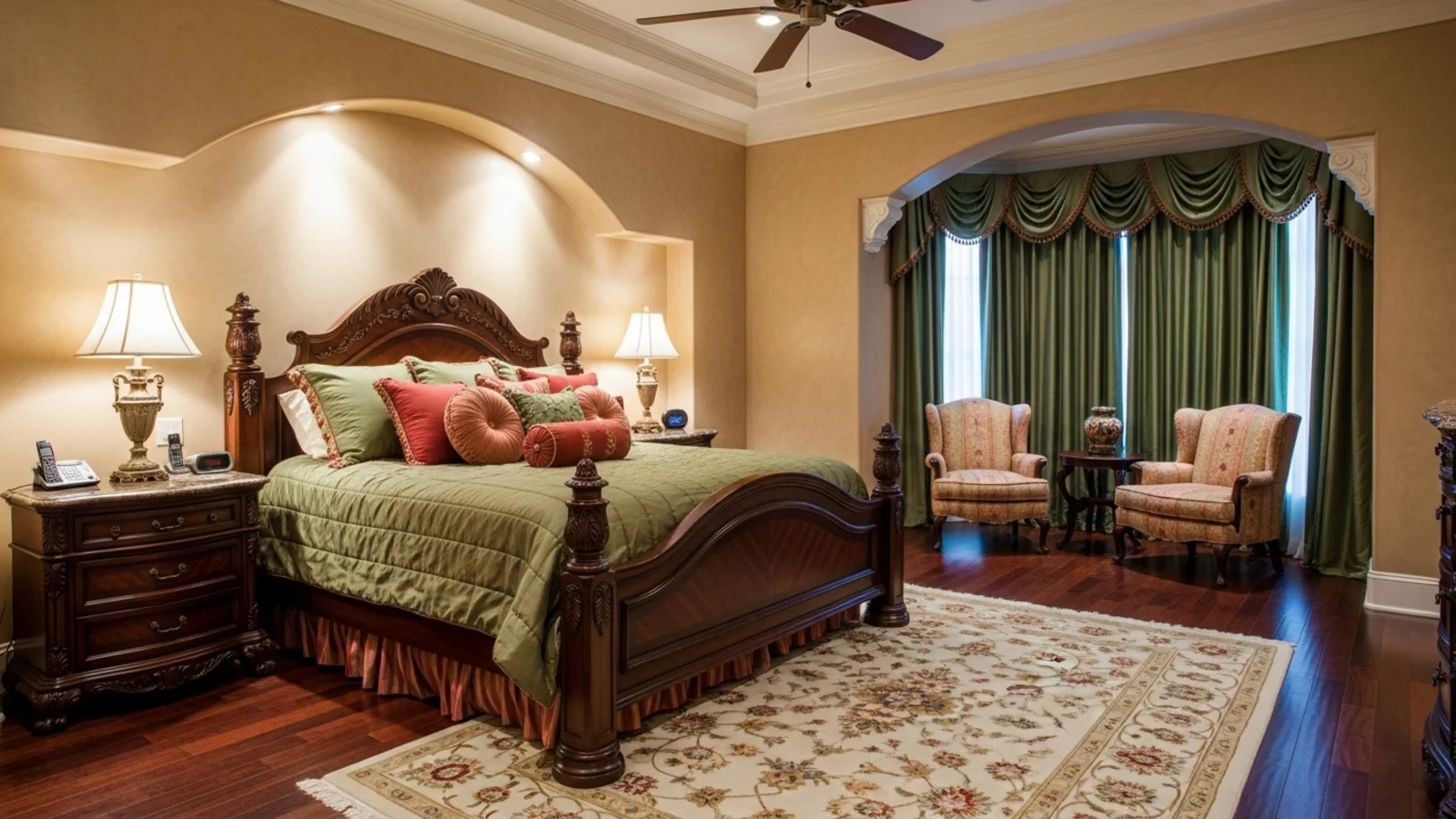
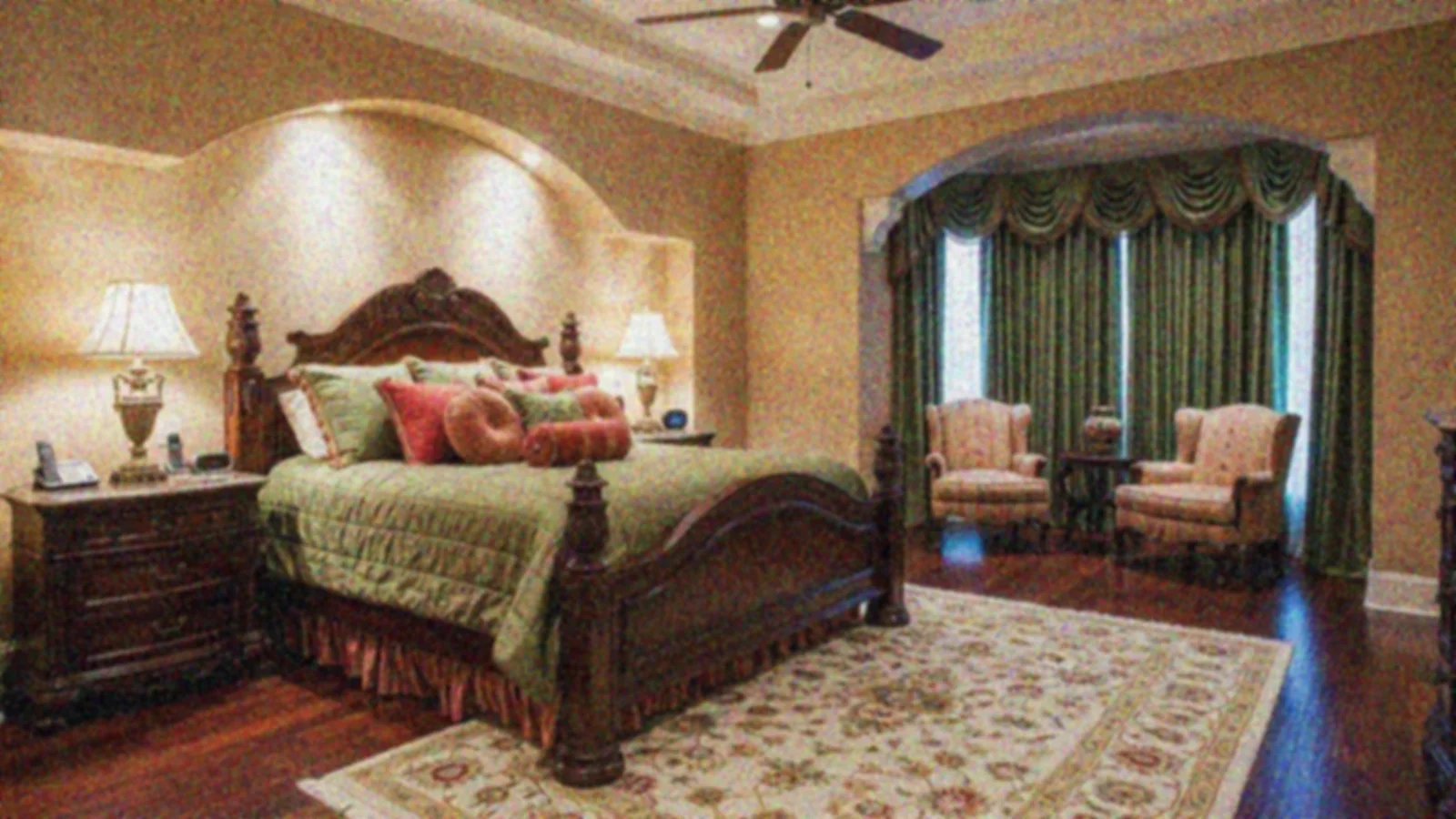
Why Image Upscaling Matters?
Great spaces shouldn't look blurry or soft just because the photo came from a phone, a screenshot, or an old listing. Low-resolution photos hide important details - texture, color accuracy, edge definition, and lighting contrast.
How It Works
From upload to download - naturally intuitive, powerfully smart.
Upload Your Photo/s
- Works for interiors, exteriors, décor close-ups, renovation logs, or listing images
- Any resolution, any source
AI Reads the Image
- It analyzes noise, edges, textures, shadows, and lighting to determine what needs to be recovered
Prompt the Enhancement You Want
- Use natural instructions like:
- "Upscale to high resolution."
- "Sharpen details but keep it natural."
- "Improve clarity for print."
Refine with Follow-Up Prompts
- "Reduce sharpening slightly."
- "Keep colors neutral."
- "Soften noise but maintain texture."
- "Increase clarity on edges only."
See the High-Resolution Version
- Textures stay real. Lines stay clean. Colors stay accurate.
- No cartoonish edges. No artificial highlights.
Download When It Feels Right
- Use for MLS listings, design decks, marketing, print layouts, project documentation, or before/after galleries
Prompt Guide
Get the best results with clear, specific prompts.
Do This
Recommended
Specify that you want to refine and upscale the image if improved clarity is required.
Avoid This
Common mistakes
Do not request color or lighting changes.
Specificity leads to better results
"Refine and upscale the image."
See the Transformations
Real results from our Image Upscale solution.
Benefits Tailored to Every User
Gives each user the clarity they need to understand the space and make confident decisions.
Homeowners
Key advantages for your workflow
Clearer photos for planning furniture, colors, or renovations
Better saved records of your space
Ideal for framing, printing, or sharing
How the AI Understands Your Space
A clear, grounded explanation of how the system creates realistic results.
Our AI design companion analyzes
Edge definition & line clarity
Texture accuracy (wood, fabric, tile, stone)
Noise patterns
Low-light softness
Shadow gradients & midtone detail
It reconstructs clarity where possible and enhances what already exists - without changing the room or altering structure. The goal is trustworthy sharpness, not artificial perfection.
Crystal-clear images that look professional at any size.
Frequently Asked Questions
It increases resolution and clarity while preserving natural texture and lighting.
No, the structure stays the same. Very rarely a detail may shift; regenerating usually fixes it.
Yes, screenshots, old photos, and compressed images all improve noticeably.
Yes, upload several for consistent clarity across your entire set.
Yes, it enhances sharpness, but extremely blurry images may improve only partially.
Yes, high-resolution images significantly improve presentation quality.
Yes, great for wood grain, fabric texture, tile detail, or finish documentation.
Yes, the enhanced images are suitable for print layouts, brochures, and posters.
Related Tools
Explore more AI-powered design solutions
Ready to visualize your perfect layout?
Test-drive layouts visually with ReimagineHome. Drop in your room photo, compare two orientations, and choose the one that fits your life.
Reimagine My Home