How Reference Images and AI Transform Home & Garden Design: A Real User Journey
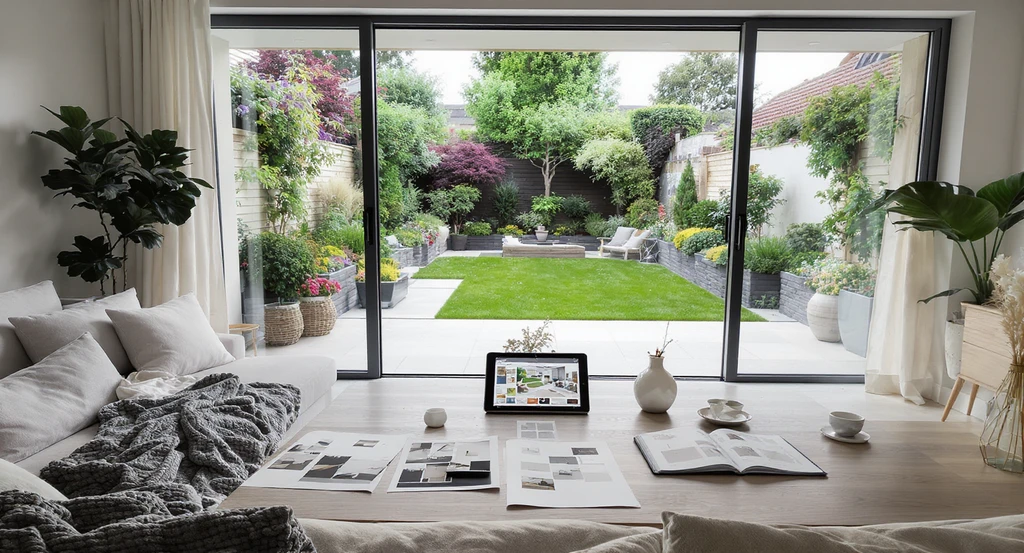
TL;DR
Designing a home and garden with AI is rarely a one-step process. Real users guide the AI with reference images, iterate on layouts and styles, overcome common friction points, and discover new ways to personalize their spaces—inside and out.
If home design feels overwhelming, you’re not alone…
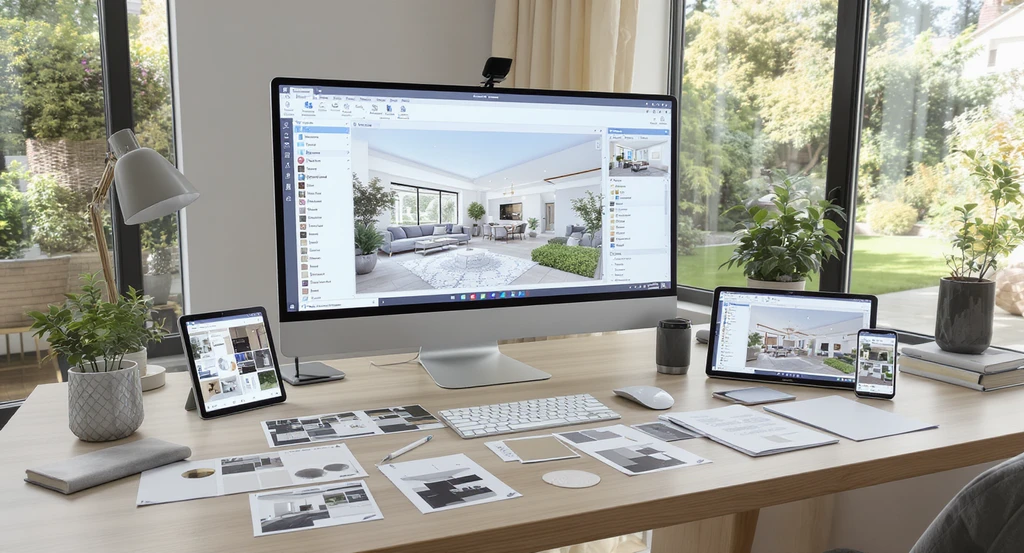
Discover how to design a home using AI: a hands-on, step by step AI interior design process that pairs reference images with AI tools for granular control and personalized garden design.
Turning your vision for a perfect home into reality can feel like an uphill climb—especially when what’s in your mind’s eye seems impossible to communicate. You may wonder: Can technology really capture your taste and priorities, beyond just making things look pretty? The answer is yes—if you have the right process and the right tools. In this story, we’ll unpack how one user used REimagineHome AI to design their entire home and garden, step by step, by pairing vivid reference images with smart, iterative feedback. Along the way, we’ll explore what actually works, the pain points they hit, and how reference photos unlock new control and creativity in the process—insights you can apply to your own home, whether you’re a homeowner, a design pro, or simply wanting better real estate visuals.
-
Why Reference Images Are a Game Changer
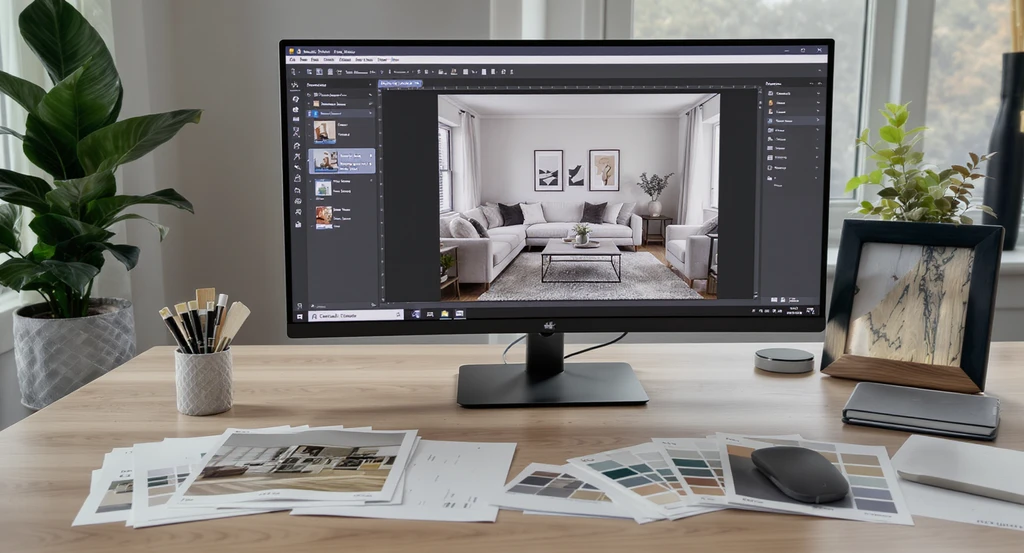
Using reference images with AI home design tools provides granular control in AI room makeovers, turning inspiration photos into step by step personalized room transformations.
If you’ve ever struggled to explain a look you love, reference images are your answer. In AI-powered home design, a reference photo isn’t just inspiration—it acts as a visual instruction manual. You can show exactly what colors, materials, and moods you want, dramatically improving AI’s understanding and output. According to our guide on how to use reference photos for room design in REimagineHome AI, this approach transforms vague ideas into specific, personal results. It lets you design faster and more accurately—skipping the struggle of writing long prompts or hoping the AI “gets it.”
Expert Insight
One user who struggled for months with a living/dining redesign found that uploading a few carefully chosen reference images allowed them to communicate their vision directly to the AI. Instead of lengthy email chains with their designer, they used marked annotations and stepwise feedback to unlock a space that finally felt right.
-
How Real Users Guide an AI Room Makeover, Step by Step
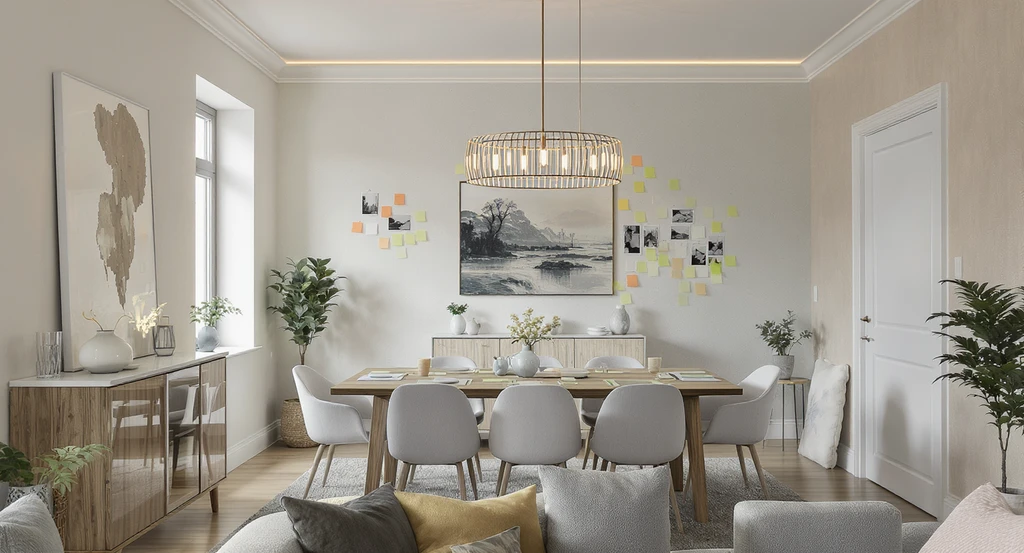
Explore how to design a home using AI in a step by step ai interior design process—reference images, annotated layouts, and granular control power personalized AI room makeovers.
Let’s break down a typical session:
- Start with structure. The user adds/edits key items: dining tables, chairs, statement lighting. Instead of sweeping changes, they take small steps—testing one element at a time.
- Iterate layout and placement. The process quickly moves from “what to add” to “where should it go?”—rotating tables, lining up furniture, placing cabinets. Annotated markups and color-coded notes help the AI interpret spatial feedback.
- Handle friction—and adjust workflow. When the AI misses the mark, the user switches to more visual guidance: markings, highlighted areas, or direct annotation. This lets them steer the design without starting over.
- Explore styles. Once the basic layout is right, the user tweaks wall colors, adds feature walls, swaps wallpapers using new reference images, or swaps out art for a fresh mood, as seen in our feature on 6 ways reference photos improve AI interior design.
- Polish details. The final stage is all about taste—removing extraneous elements, editing lighting, swapping stools, and refining art. AI adapts at every step, responding to even small edits.
-
The 4D Framework for Successful AI Home Design
Here’s an original model for AI-powered home design using reference photos:
- 1. Direction: Choose reference images that define style, color, and material.
- 2. Dialogue: Guide the AI in short, modular steps—"add", "move", "replace"—just like you would instruct a human designer.
- 3. Discovery: Experiment with variations—wallpaper, art, or layout—using new references as you refine.
- 4. Detail: Fine-tune minor elements for a cohesive, personal finish.
-
Projects Worth Doing Now: Interiors and Gardens Alike
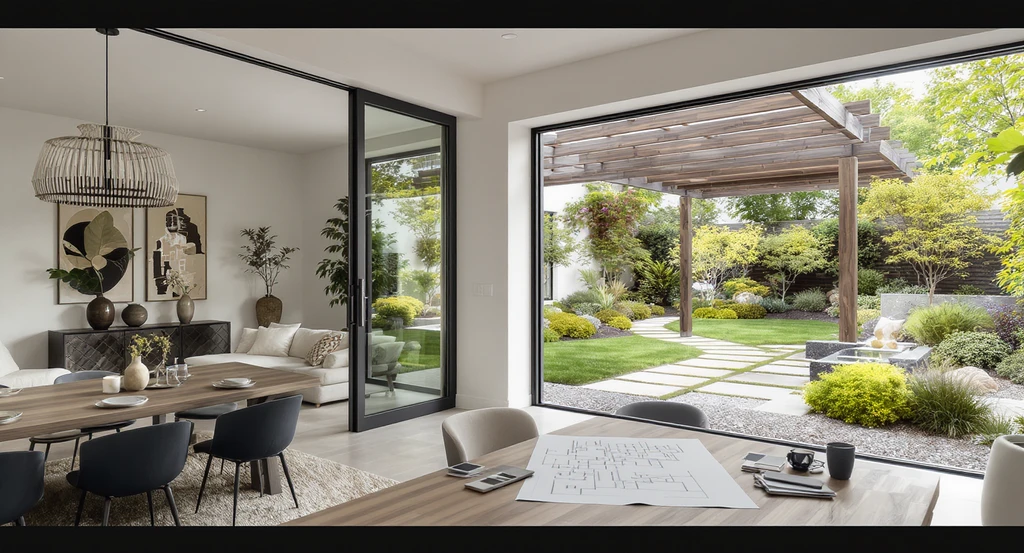
Blending indoor and outdoor zones, this space shows the step by step ai interior design process using reference images and granular control in ai room makeovers—demonstrating how AI tools transform personalized home and garden design.
AI isn’t just for the living room. In user sessions, design goals expanded from classic interiors into complex landscape planning:
- Create functional and beautiful living/dining spaces by layering reference images for furniture, color, and arrangement—then refining layouts iteratively.
- Personalize living rooms at an object level: removing distractions, inserting reference furniture, or shifting item placement with spatial markups.
- Develop gardens and outdoor zones, using reference photos for pergolas, stone paths, favorite plants, and water features. The user iterates on zone planning—moving pergolas for sunlight, reshaping pathways, and picking drought-resistant plants—proving that outdoor AI design isn’t just about visuals, but experience and functionality too.
-
What Most People Get Wrong About AI Home Design
Many expect AI to read their mind or generate perfect results in a single shot. In reality, the most successful users treat AI like a creative partner—a companion for rapid prototyping and exploring visual options. A common mistake: using only text prompts without images. This often leads to generic results, as the AI lacks the detail and style cues found in strong reference images. According to our guide on the best types of reference photos, mood, detail, and perspective are all communicated visually—so the more specific your references, the better. Another overlooked insight: users who use iterative, modular feedback (like color-coded markups or direct annotations) can resolve friction points faster and get far closer to their intended outcome.
-
Trade-off: Control vs. Realism
Here’s a practical trade-off every user faces: The more control you have (through detailed annotation or precise reference images), the more time you’ll spend iterating. Fast global changes—a new wall color, a preset look—are quick but can feel less personal. Iterative, annotated feedback produces more tailored, realistic results, but it requires patience and ongoing input from you. AI also can’t show you unseen room angles from a single image—so to see a space from multiple perspectives, you’ll need to upload more photos from different angles. The system’s transparency about these limitations is a sign of a trustworthy design experience—not a flaw.
-
Where I’d Start First (A Quick Snapshot)
Quick Snapshot:For visualizing your home with this approach, see how this could look in your space.
1. Gather 2-3 reference photos that match your goal (desirable furniture, wall colors, landscaping, etc.)
2. Start with core changes—add, move, remove key elements.
3. Note what does/doesn’t work and guide the AI visually using annotations.
4. Refine style: try wallpapers, color schemes, or features drawn from your images.
5. Use additional angles to ensure full-room coverage.
6. For outdoors, begin with major features/zones, then customize plantings and hardscape details iteratively.
Visualization Scenario
Imagine snapping a photo of your living room, uploading a Pinterest-inspired image as your reference, and then walking through design tweaks step-by-step. With every small adjustment—from swapping the couch to replanting your backyard—AI interprets your guidance, offers instant previews, and lets you decide when it truly feels like home.
Frequently Asked Questions
- How do I choose good reference images for AI home design?
- Pick photos that closely match your preferred style, color palette, and layout. For inspiration, our guide on the 10 best reference photo types for AI design covers this in depth.
- How much control do I have over AI-generated changes?
- You can guide the AI granularly, using annotated markups or direct feedback for object placement, style, and function—especially when paired with the right reference images.
- Can I redesign both interiors and gardens with AI?
- Yes. AI can help with both, but outdoor spaces benefit especially from zone-based planning and feature-specific references, as demonstrated in our case study above.
- What if the AI misunderstands my instructions?
- Switch tactics: use highlighted areas, color-coded marks, or upload more detailed reference images to clarify what you want changed or preserved.
- Can AI show a room from every angle with only one photo?
- No, AI can’t invent unseen perspectives. Upload more photos from different viewpoints to cover the full space or garden.
- Where do I get started with AI home design?
- You can try these tools free, or experiment with sample projects, on Styldod and ReimagineHome AI.
Design With AI: It’s Iterative, Personal, and Powerful
The biggest discovery? Designing your home or garden with AI is a process, not a one-button solution. The best results come from combining specific reference photos with iterative, step-by-step feedback—letting you personalize, course-correct, and truly own your outcome. Whether redecorating one room or reimagining your garden, AI powered by your vision is a design companion, not a shortcut. It enables instant exploration, more confident decision-making, and fewer costly mistakes along the way.